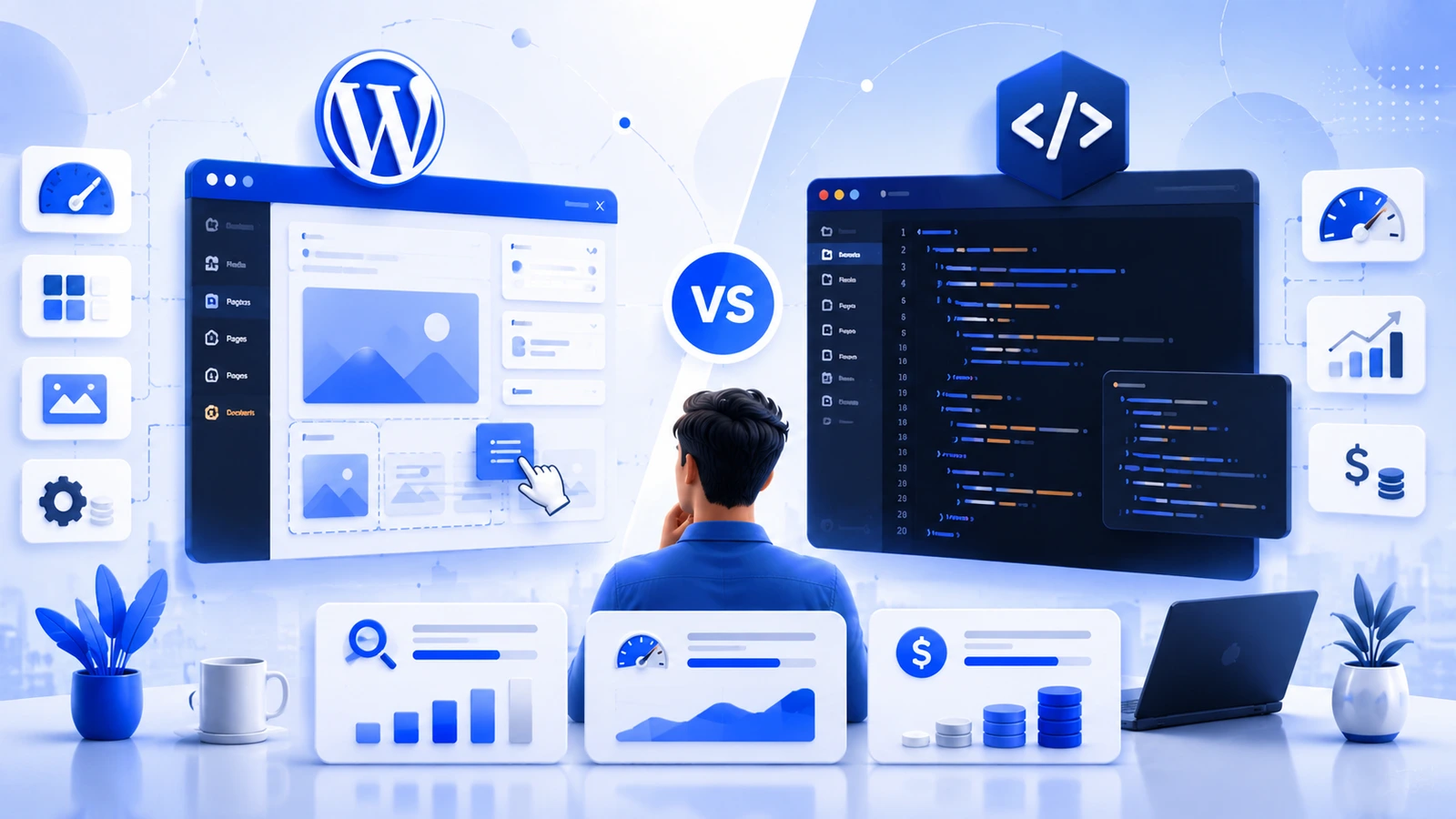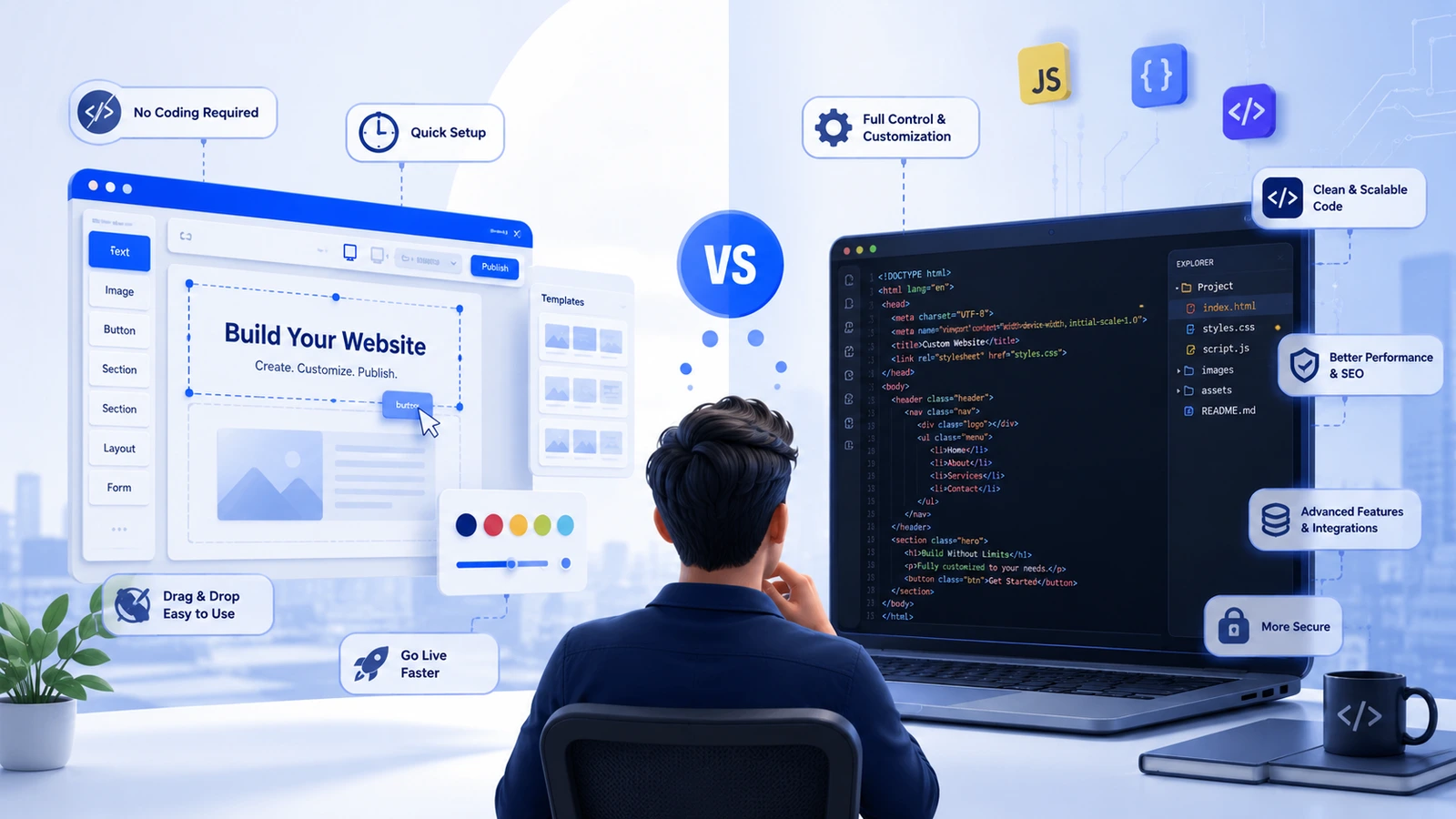
We get this question from almost every new client before we start a project: should we just use WordPress, or is it worth coding this from scratch? There's no single right answer, but there is a right answer for your specific site, budget, and timeline, and that's what this post is actually about.
Short version: WordPress will get you online faster and cheaper, and it's the better fit for most blogs, small business sites, and standard online stores. Custom coding costs more and takes longer, but it's the only real option once your requirements stop looking like 'a website' and start looking like 'a product.' Read on for why, or get in touch and we'll just tell you which one your project needs.
What WordPress actually is
WordPress is the content management system behind a huge share of the internet, somewhere north of 40% of all websites, depending on whose numbers you trust. You build on pre-made themes, extend functionality with plugins, and manage everything from a dashboard that doesn't require touching code.
Quick note that trips people up: WordPress.com and WordPress.org aren't the same thing. WordPress.com is a hosted service where someone else manages your server and security for you, in exchange for less flexibility. WordPress.org is the free, self-hosted software, you or your host run the server, and you get full control over plugins, themes, and code. When developers talk about 'using WordPress' for a client project, this is almost always what they mean, and it's what we're comparing here.
What 'custom coding' actually means
Coding a website from scratch means writing the HTML, CSS, and JavaScript yourself, plus a backend in something like PHP, Python, or Node.js, often on top of a framework like Laravel or CodeIgniter to avoid reinventing basic functionality every time. Nothing is inherited from a theme. Every feature exists because someone specifically built it for your site.
The honest comparison
| WordPress | Custom Coding | |
|---|---|---|
| Time to launch | 1-4 weeks | 2-6+ months |
| Starting cost | $500-$10,000 | $8,000-$150,000+ |
| Technical skill to manage | Low, dashboard-based | Requires a developer |
| Design flexibility | Bound by theme/plugins | Unlimited |
| Speed out of the box | Depends heavily on setup | Usually leaner |
| Security | Solid, but needs upkeep | Depends entirely on the dev team |
| SEO tooling | Built-in (Yoast, Rank Math) | Manual, fully controllable |
| Best suited for | Blogs, SMB sites, standard eCommerce | SaaS, web apps, unusual requirements |
Ease of use isn't close
If you want to log in and change your own content next Tuesday without calling your developer, WordPress wins, full stop. Its editor and page builders (Elementor, Divi) were built for people who've never opened a code editor. A custom-coded site can absolutely have a simple admin panel too, but someone has to build that panel, and that's more scope, more cost, more time.
Customization: theme limits vs. blank canvas
WordPress customization happens inside a box, a nice, roomy box with child themes and custom plugins available, but a box nonetheless. You're extending someone else's foundation. Custom coding starts from nothing, which means there's no ceiling, but also no shortcuts.
Here's a filter we actually use with clients: if the 'custom feature' you're describing sounds like something a plugin already does, booking systems, membership access, multi-step forms, WordPress gets you there in days. If it's genuinely specific to how your business operates, that's when custom development starts to earn its cost.
Speed and performance
A stock WordPress install with a bloated theme and twenty plugins will be slow, and that's on the site owner, not the platform. Strip it down to a lightweight theme, five or six essential plugins, decent caching, and a CDN, and WordPress sites regularly hit 90+ on PageSpeed Insights. We cover the specifics in our website speed optimization guide.
Custom-coded sites can be faster right out of the gate simply because there's nothing extra to strip away. But 'can be' is doing a lot of work in that sentence, a custom site built by someone who skips performance best practices will lag just as badly as an over-plugged WordPress install. Performance is mostly a build-quality problem, not a platform problem.
Security
WordPress gets targeted more often, purely because of how much of the internet runs on it, attackers go where the numbers are. The upside is that vulnerabilities get found and patched fast, and there's a whole industry (Wordfence, Sucuri, and similar) built around hardening it further. Most breaches we see trace back to outdated plugins or weak passwords, not the core software.
Custom-coded sites are a smaller, less obvious target, but there's no community patching your code for you. Security lives entirely with your development team's habits, how they handle authentication, sanitize inputs, and audit for holes. Neither approach is inherently 'safer.' Both require someone paying attention.
SEO: does the platform matter?
Not really, no. Rankings come down to content quality, page speed, mobile usability, and backlinks, WordPress and custom code compete on equal footing there. The real difference is workflow. WordPress plugins handle metadata, sitemaps, and schema markup for you, which is a genuine time-saver if you're publishing regularly. Custom code gives you full manual control over every technical SEO detail, with no plugin shortcuts and no plugin limitations either. If content publishing is core to your marketing, that built-in tooling is a practical reason to lean WordPress, we talk through this more on our digital marketing page.
What it actually costs
Getting started: A template-based WordPress site typically runs $500-$3,000. A custom-themed WordPress build with real design work lands more like $3,000-$15,000. Custom coding starts around $8,000 for something mid-complexity and climbs into six figures for a full application.
Keeping it running: WordPress costs $200-$1,500 a year in most cases, hosting, a few premium plugin or theme renewals, the odd bit of developer help. Custom-coded sites run $2,000-$20,000+ annually, because every single change needs a developer, not a settings panel.
For most small and mid-sized businesses, WordPress delivers more for the money. Custom coding earns the premium when your requirements are genuinely one-of-a-kind. Want actual numbers for your project instead of ranges? Request a free audit and we'll scope it properly.
Scalability
WordPress scales further than people give it credit for, with solid hosting, database tuning, and caching, it handles serious traffic and full eCommerce catalogs without drama. Where it hits a wall is highly specific logic: custom dashboards, unusual permission structures, data models that don't fit the standard content-type mold.
Custom-coded sites scale exactly as far as they're architected to, with no plugin ceiling, but that scalability has to be designed in from the start, or you're re-architecting later regardless of which platform you began on.
Maintenance
WordPress maintenance is mostly self-serve, core, theme, and plugin updates through the dashboard, a massive community when something breaks. Custom-coded sites have no equivalent safety net. Every fix needs a developer who knows the codebase, which is fine while that developer is around and a real problem the day they're not.
So which one, actually?
Building a simple business site or a portfolio? WordPress. Standard online store? WordPress, via WooCommerce. Tight budget or a launch date that's already been announced? WordPress. On the other side, you're building something closer to a web application than a website, you need a fully bespoke eCommerce experience, or performance is a hard non-negotiable at scale, that's custom coding territory, and our website development team builds exactly that kind of thing.
Not sure which bucket you're in? That's a normal place to be, and it's worth reading through our take on static vs. dynamic websites before deciding, it covers a lot of the same ground from a different angle and might settle it for you. If you're specifically running a smaller operation, our small business website guide is probably the more useful read.
You don't have to pick one forever
Plenty of the sites we build end up as a hybrid, WordPress running the blog and content side, with a custom-coded application handling the actual product or core functionality. Or WordPress used headless, feeding content into a custom front end. You get the publishing ease of WordPress and the control of custom code, applied only where each one actually helps. If that sounds closer to what you need, this is exactly the kind of thing to talk through with our website designing and development team before committing either direction.
Bottom line
Need to launch soon, keep costs sane, and be able to update the site yourself? WordPress is the right call, and there's no shame in that, it's the right call for most businesses. Have a requirement a plugin genuinely can't satisfy, deep custom functionality, performance that has to hold under real load, a product rather than a brochure? That's when custom coding is worth what it costs. When you're not sure which side you're on, start with WordPress and let an actual limitation tell you when it's time to go custom, not a guess about one.