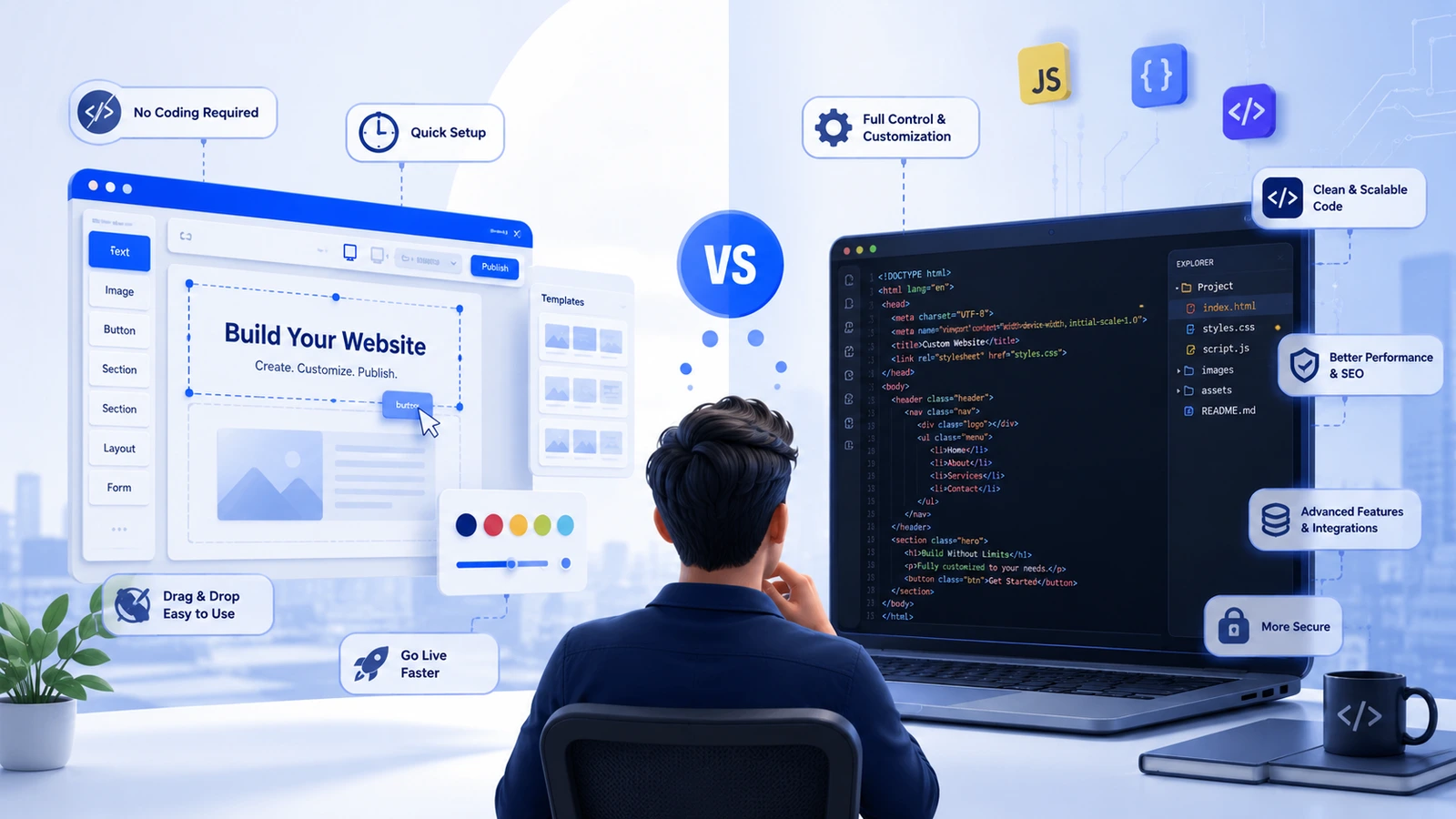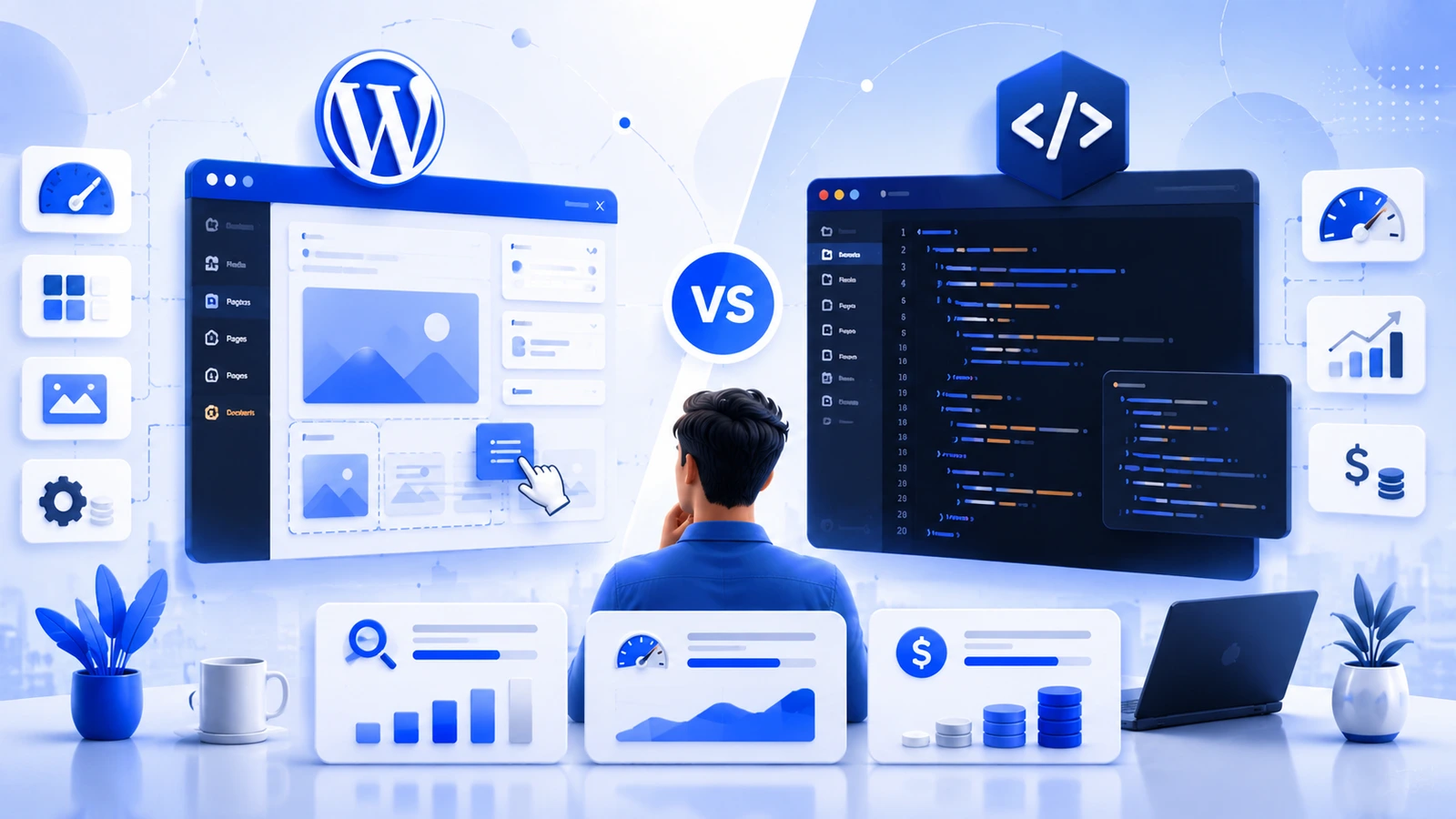
Every WordPress vs HTML article on page one of Google picks a side and defends it. We're not going to do that, because the honest answer isn't a platform, it's a question: who edits this site, and how often? Get that answer right and the rest of this decision mostly makes itself.
Static HTML ships a file that already exists. WordPress builds the page live, PHP runs, a database gets queried, then the HTML gets assembled and sent. That single difference explains almost every gap between them, in speed, in security, and in what each one actually costs you over time.
What's actually different under the hood
A static HTML site is just files. No database, no login panel, no server-side code running per visit. Whatever's in the file is what the browser gets, instantly. Updating it means editing the file directly, or running a build if you're using a static site generator like Astro or Hugo.
WordPress is a PHP application backed by a MySQL database. Every page request wakes up the server, pulls content from the database, and stitches together the final HTML on the spot. That gives you a dashboard, a media library, and the ability for anyone to publish without touching code, but it also means there's real work happening behind every single page load.
Speed and Core Web Vitals
This is where the gap is most measurable. A clean static HTML page routinely loads under 1.5 seconds with a Largest Contentful Paint (LCP) well under Google's 2.5-second threshold, because there's no database call and no PHP execution sitting between the request and the response. A default WordPress install, especially with a heavy theme and a dozen plugins, commonly starts north of 3 seconds before anyone's touched an optimization setting.
That gap narrows with real effort, caching plugins, a CDN, a lightweight theme, image compression, but it rarely closes completely. WordPress can get close to static-site speed. It doesn't get there by default, static HTML does.
| Metric | Static HTML | WordPress (optimized) |
|---|---|---|
| Typical page load | 0.5-1.5s | 1.5-3s |
| Time to First Byte | Under 100ms | 200-500ms |
| Core Web Vitals | Pass by default | Passes with caching + CDN |
| Attack surface | Near zero, no database | Core + theme + every plugin |
SEO: what the platform controls and what it doesn't
Google doesn't rank platforms, it ranks pages. Content quality and backlinks outweigh everything on this page. But the technical layer does matter, and the two platforms get there differently.
Static HTML gives you a clean crawl by default, every URL is a real file, no tag archives, no session parameters, no duplicate pages from a misconfigured plugin. What you build is exactly what Googlebot sees, with nothing generated behind the scenes to clean up later. The trade-off is that every meta tag, sitemap entry, and piece of schema markup has to be written by hand.
WordPress automates most of that through plugins like Yoast or Rank Math, sitemaps, meta fields, breadcrumb schema, all handled from a dashboard. The trade-off runs the other way, tag archives, author pages, and date-based URLs can quietly create duplicate content if nobody's paying attention, and every plugin you add is one more thing that can misfire.
What each one actually costs over time
The sticker price isn't the number that matters, the three-year number is. A static site is cheaper to build for a simple project and dramatically cheaper to keep running, since there's no database to secure, no plugin subscriptions, and far less maintenance work. WordPress costs more to keep alive: hosting that can handle PHP and MySQL, premium plugin renewals, and either your own time or a developer's for monthly updates and patches.
For a straightforward business site, static hosting runs somewhere between $5 and $50 a month. Managed WordPress hosting starts around $10-100 a month before you add premium plugins or security tools. Stretched over three years, a static site regularly costs less than half of an equivalent WordPress setup, maintenance included. If you want to see where your own numbers would land, our free audit breaks this down for your actual project rather than industry averages.
Security
A static site is about as close to unhackable as a website gets. There's no database to inject into, no login form to brute-force, no plugin code running server-side. The server just hands out files that already exist.
WordPress carries a bigger attack surface by design, the core, the theme, and every plugin are all code running on your server, and all of it needs patching. That's manageable with active maintenance, but it is ongoing work, not a one-time setup, and it's the reason WordPress sites get targeted more often than almost anything else on the web.
Publishing and day-to-day editing
This is the section that flips the entire decision for most businesses. If a non-technical person on your team needs to log in and publish a blog post next Tuesday, WordPress wins outright, no contest. The dashboard, media library, and scheduling tools exist precisely for that.
A static site has no equivalent unless you add a headless CMS in front of it, which gives writers a proper editor while the output stays static, but it also brings back some of the complexity a static site was supposed to avoid. Three people updating the site weekly with no developer on call is a real mismatch for plain HTML, and it tends to make everyone involved miserable within a month.
A faster way to decide
Skip the platform debate and answer three questions honestly. Will non-technical people need to publish or edit content regularly, weekly or more? If yes, WordPress is probably your answer already. If your content changes less than monthly and you have developer access, a static build will be faster, cheaper, and safer with almost no downside. And do you need e-commerce, memberships, or user accounts? That's WordPress territory, or a case for custom development if your requirements go beyond what plugins can offer.
Most businesses land on a clear answer once they're honest about who's actually going to touch the site after launch, not who built it. If you haven't already, it's worth reading our take on WordPress vs coding a website too, since it covers a lot of the same ground from a slightly different angle.
The middle ground: headless WordPress
You don't have to pick a pure version of either. Headless WordPress uses WordPress purely as a content backend, writers get the familiar dashboard, while a framework like Next.js or Astro renders the actual pages as fast, static-style HTML on the front end. You get the editorial convenience of WordPress and most of the speed advantage of static, at the cost of a more complex setup to build and maintain. It's increasingly the answer for teams that need both, rather than settling for one at the expense of the other.
Bottom line
Static HTML wins on speed, security, and cost, by default, without extra effort. WordPress wins on editorial convenience, the moment more than one person needs to publish without a developer in the loop. Neither one is broadly better, they're built for different problems. Match the platform to who's actually going to run the site day to day, and this decision stops being a debate.